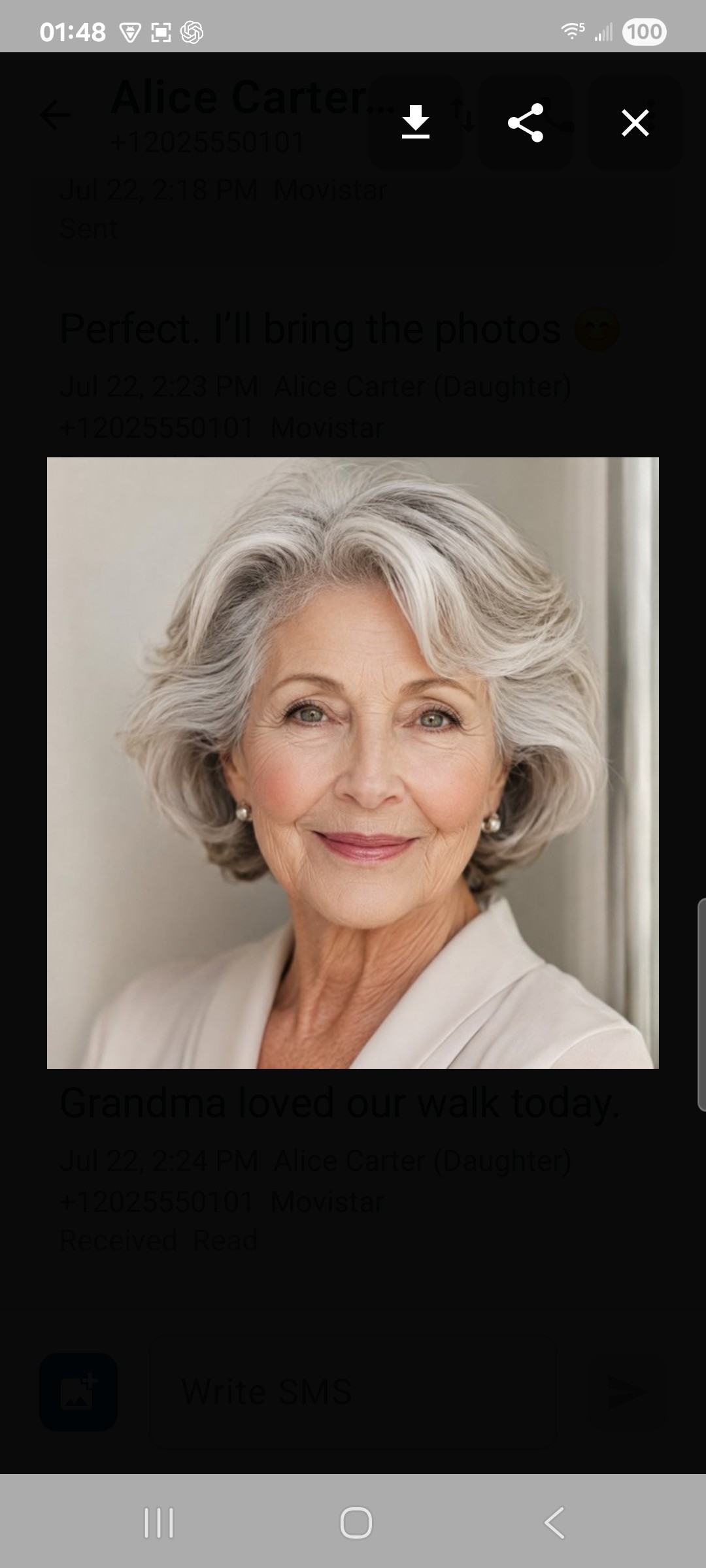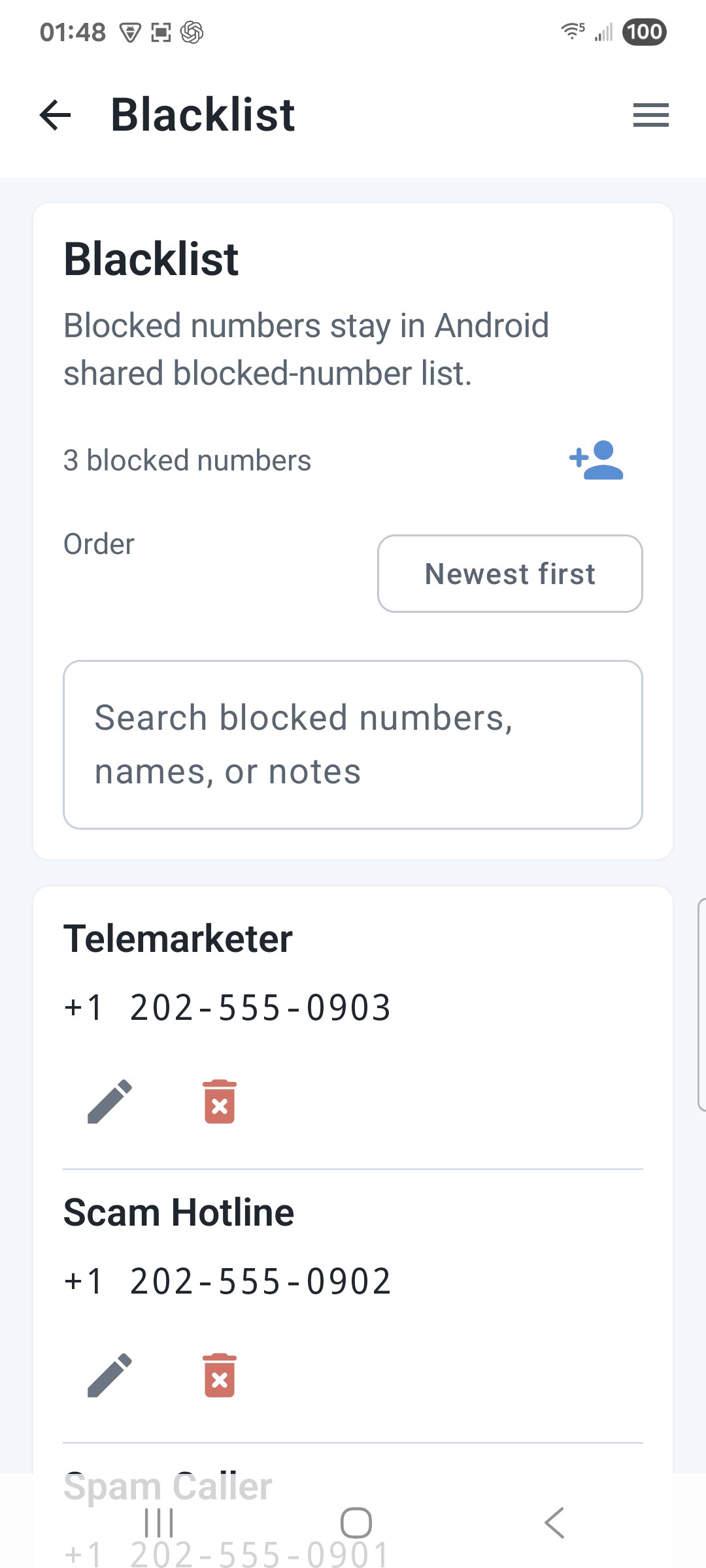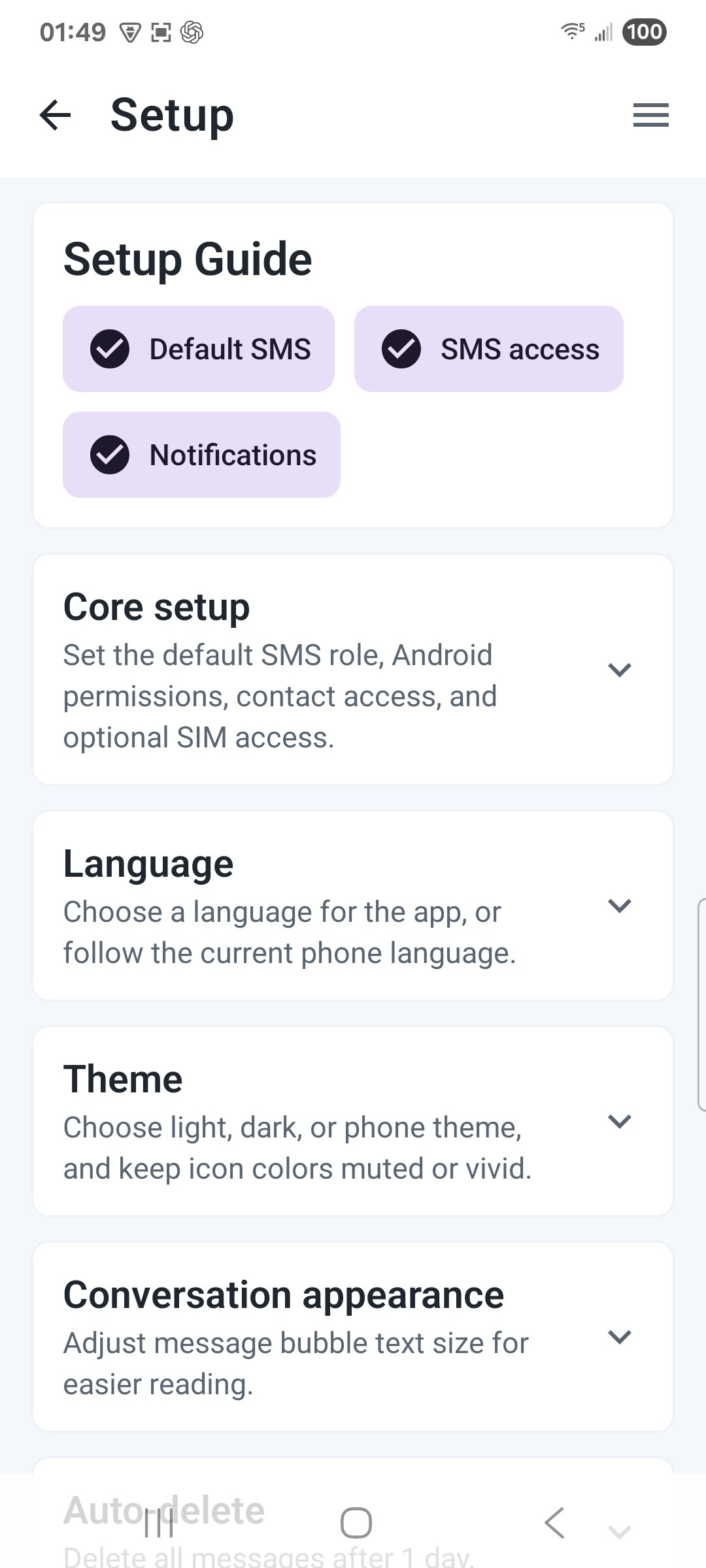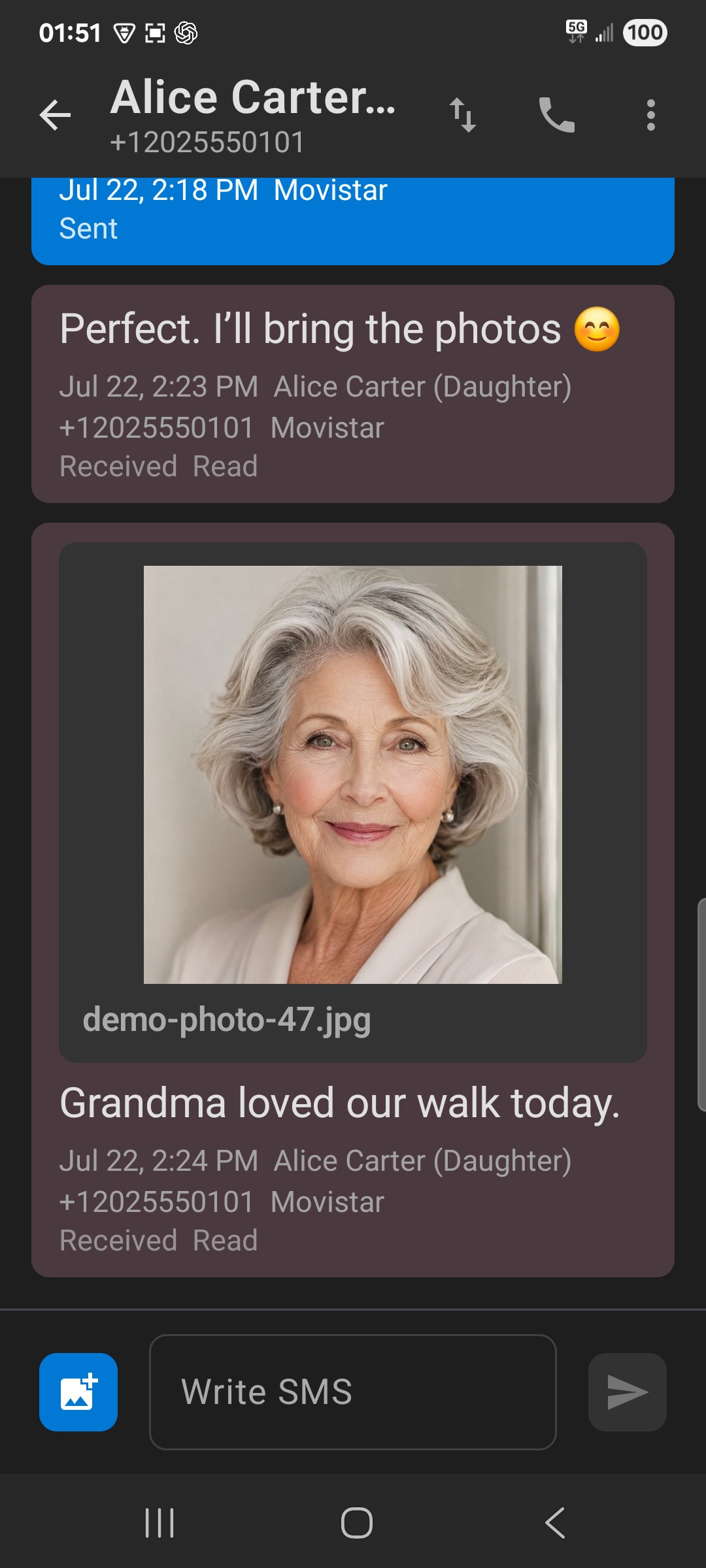

Easier every day
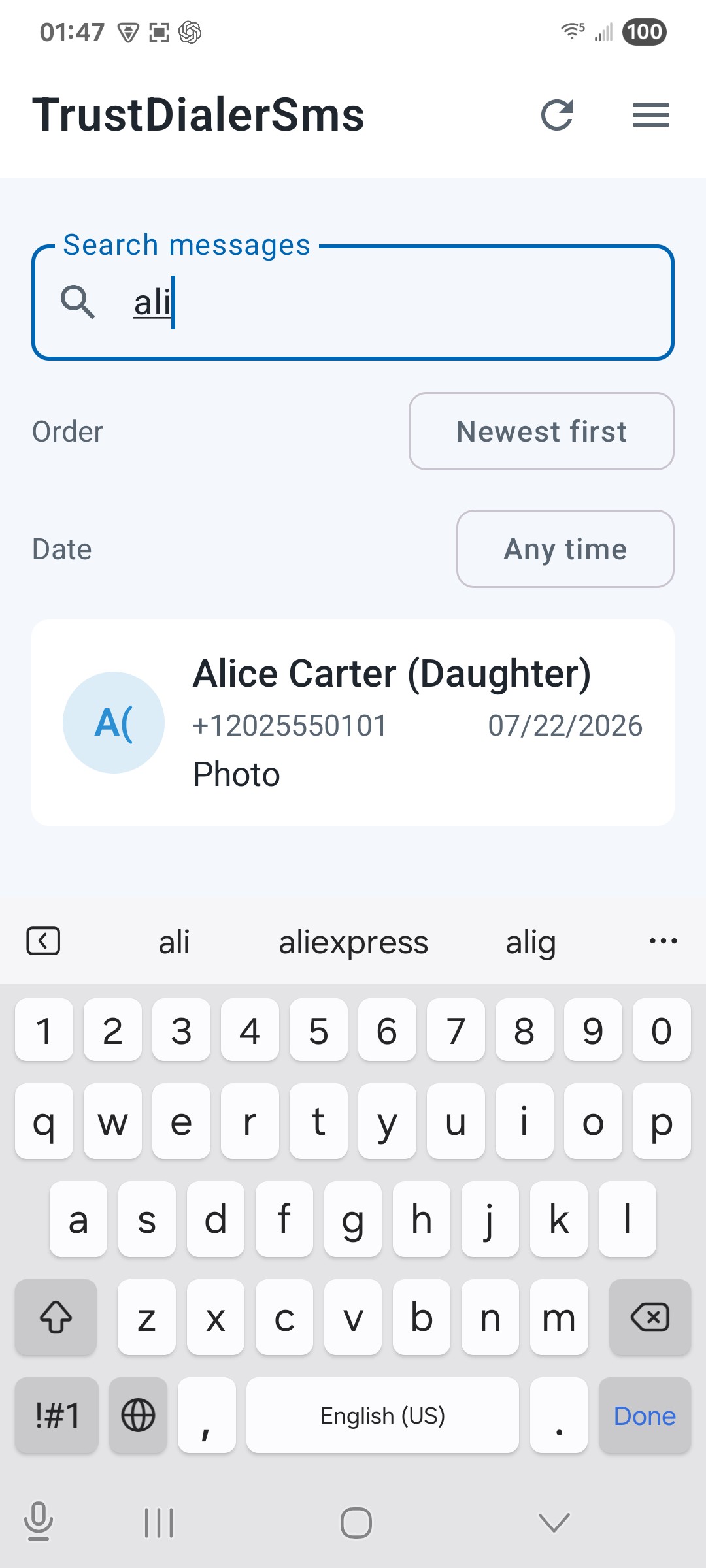
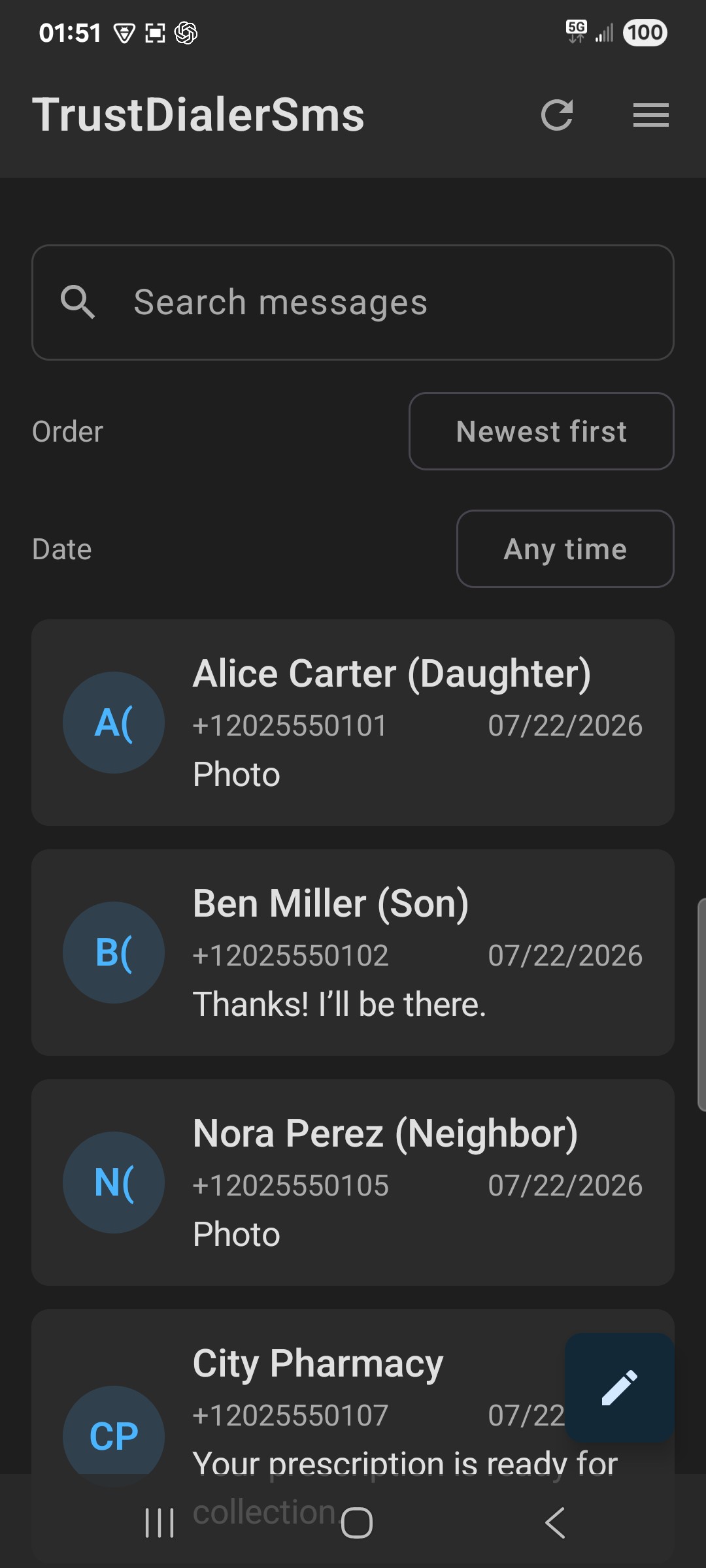
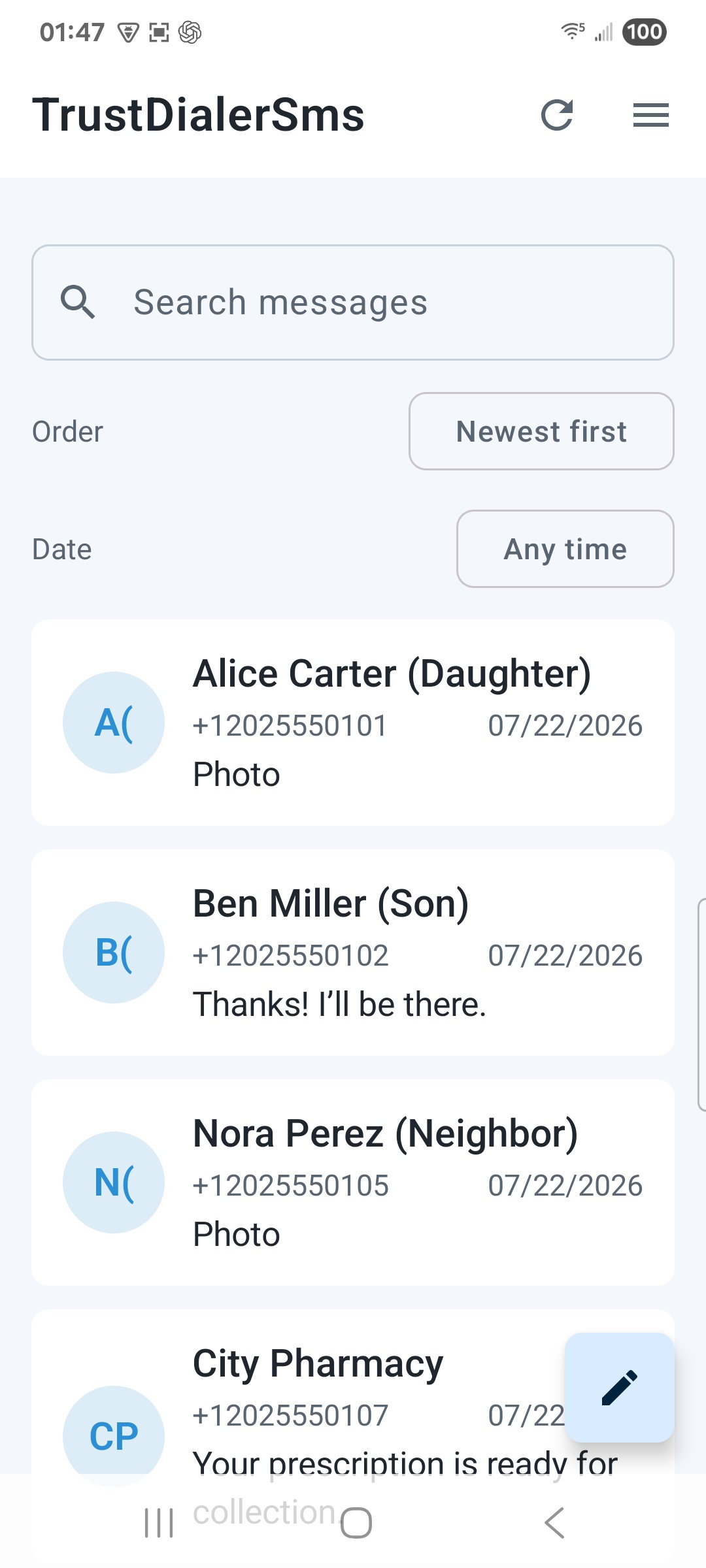
Find people and conversations without digging.
Inbox search / adjustable text
Local-first Android messaging
Choose TrustDialerSms when the factory inbox feels too generic. Keep messages readable, organized, and worth saving—with useful search, deliberate cleanup, and encrypted backup without a required cloud account.
Easier to read. Yours to keep.

Find people and conversations without digging.
Clear old messages without deleting the ones you protect.
Keep control of your messages and backup files.
Why choose TrustDialerSms
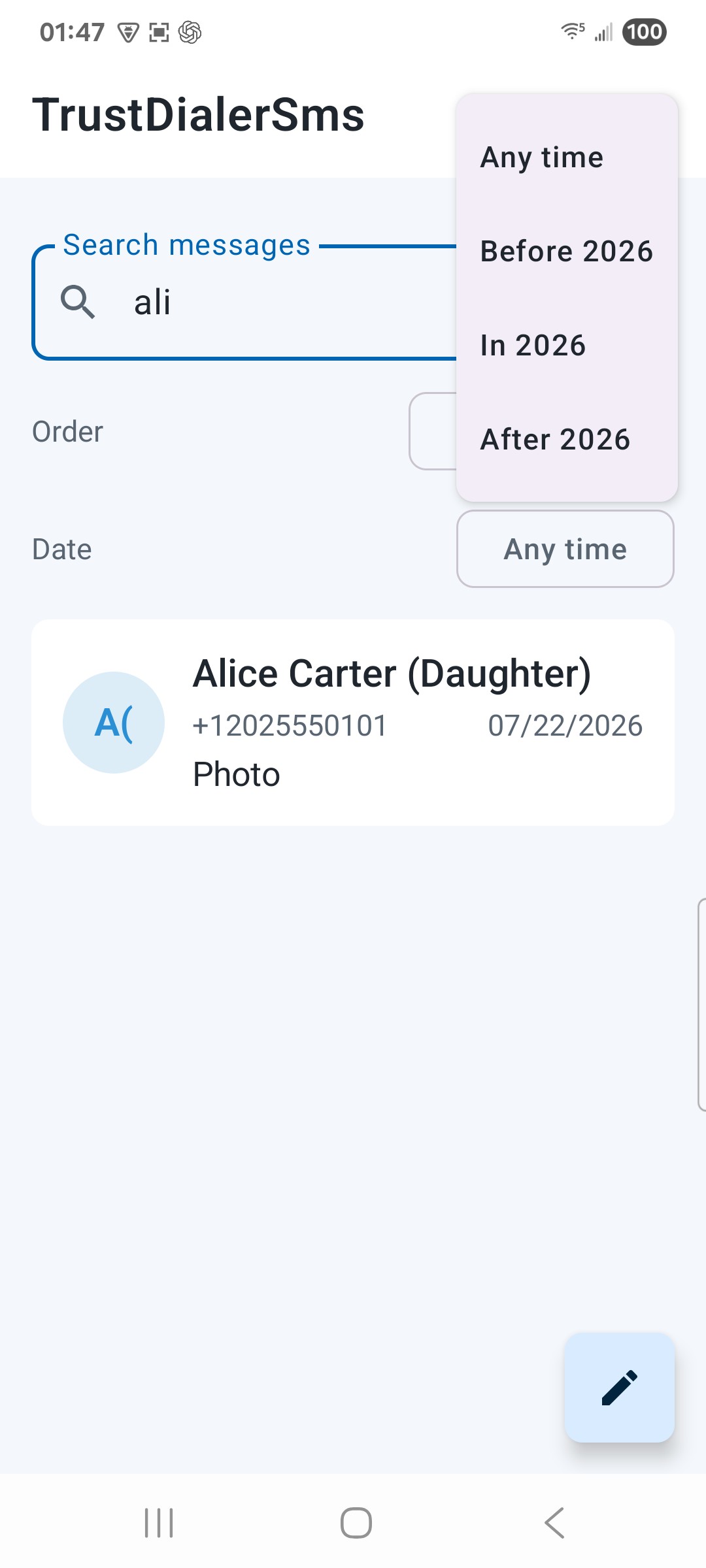
Search across your message history, narrow by date, and sort conversations by latest activity, name, or number. An address or appointment does not have to get lost in a long thread.
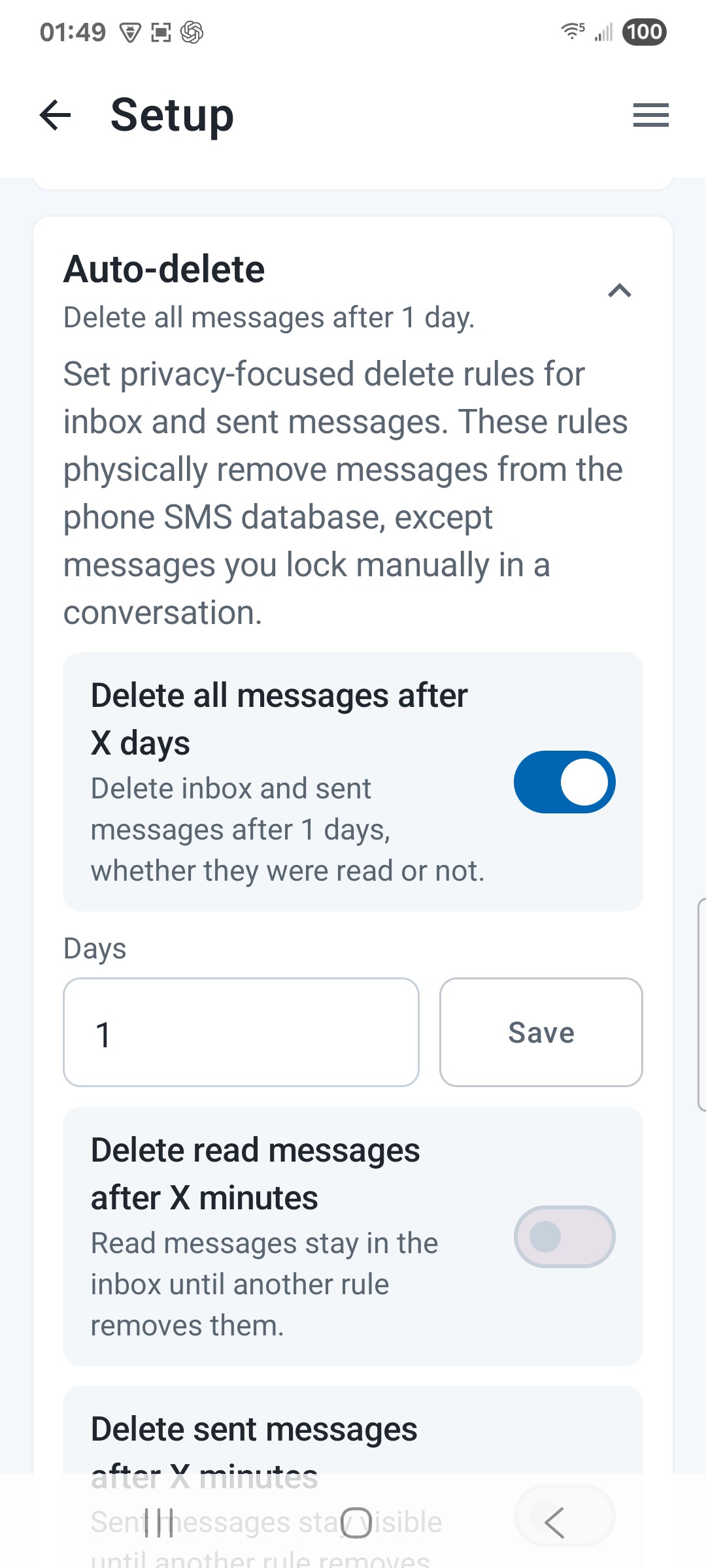
Set separate auto-delete rules for all, read, and sent messages. Choose the retention periods that suit your inbox instead of clearing everything by hand.
Lock individual SMS and MMS messages. App deletion and automatic cleanup skip protected messages until you unlock them, so the useful details can stay.
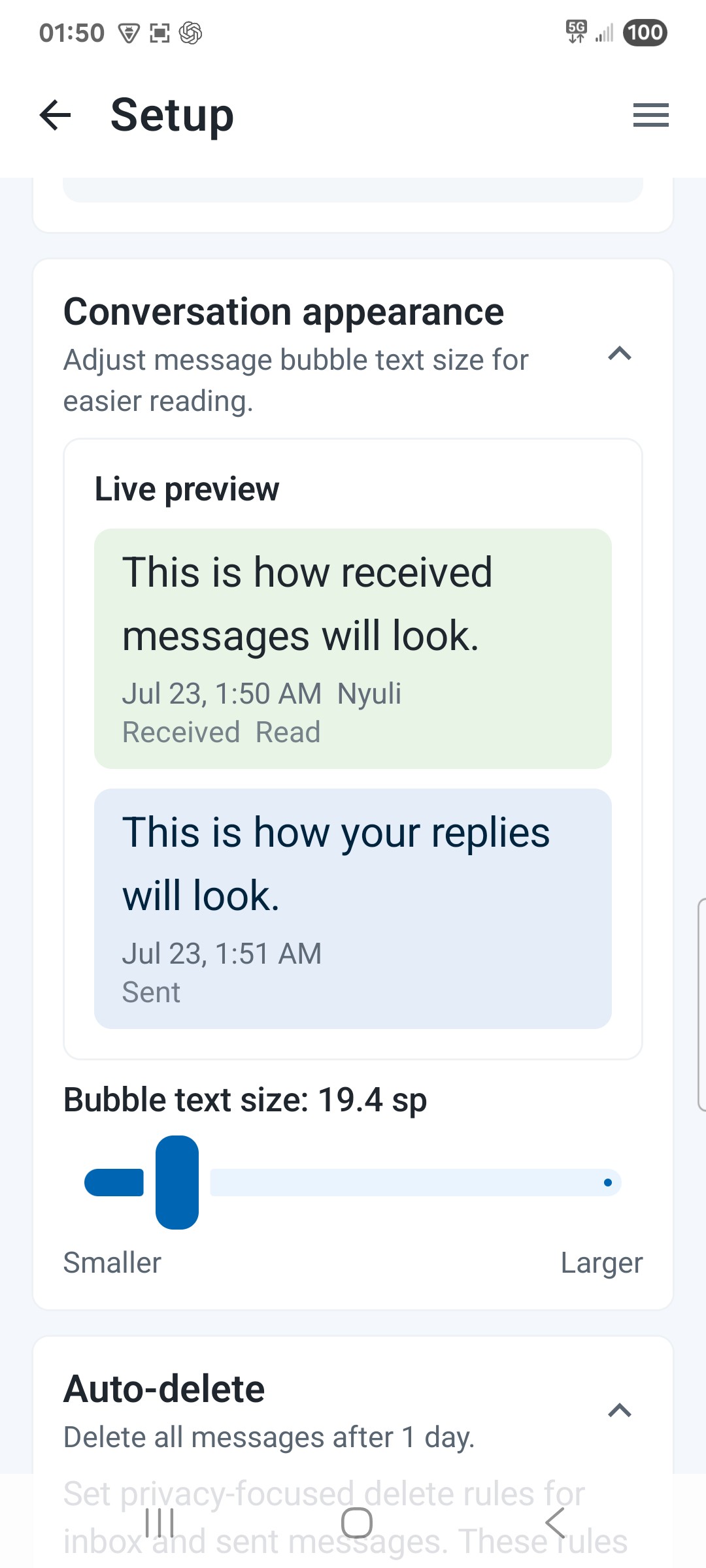
Adjust conversation text size with a preview before applying your changes. Make longer messages more comfortable to read without changing their content.
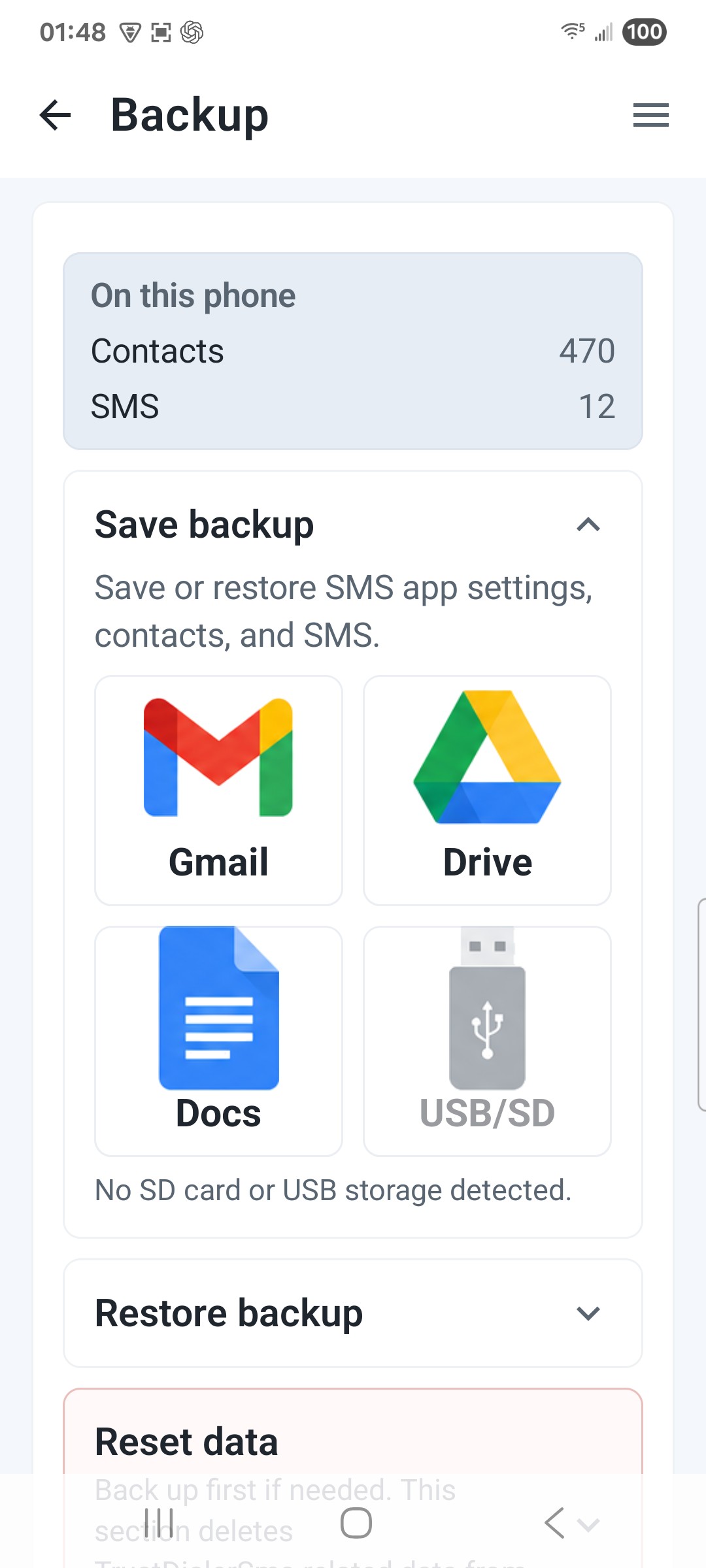
Create an encrypted backup, inspect its contents, and simulate a restore before writing anything. Then restore the sections you choose.
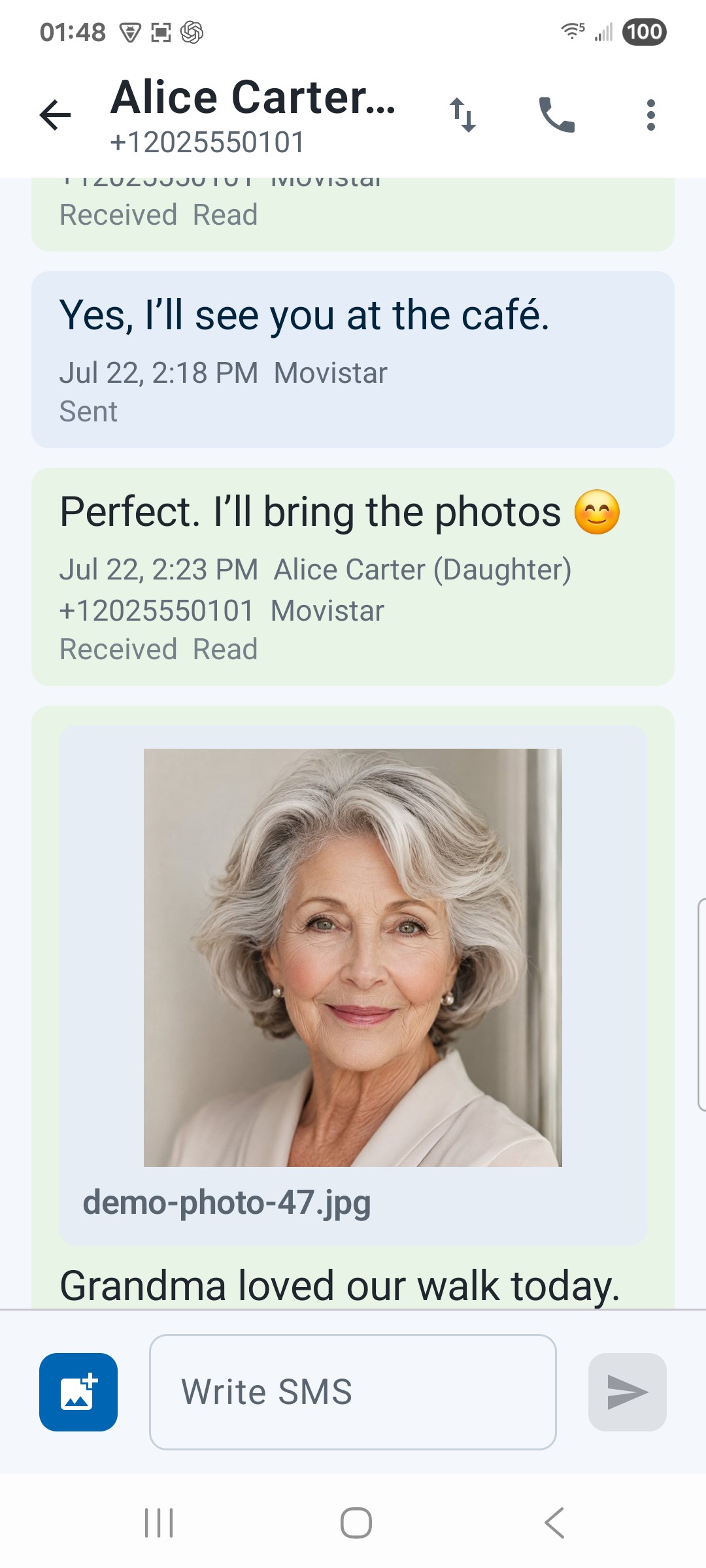
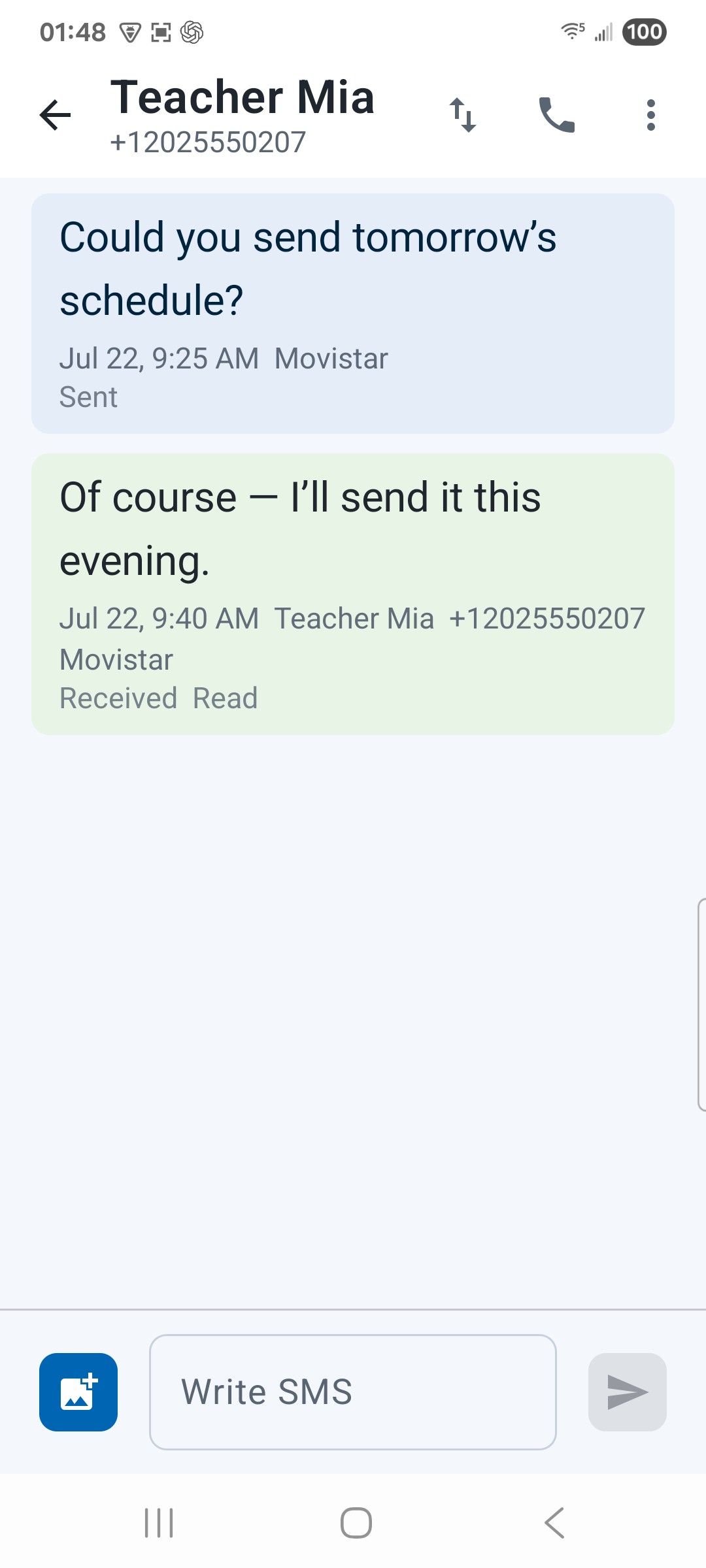
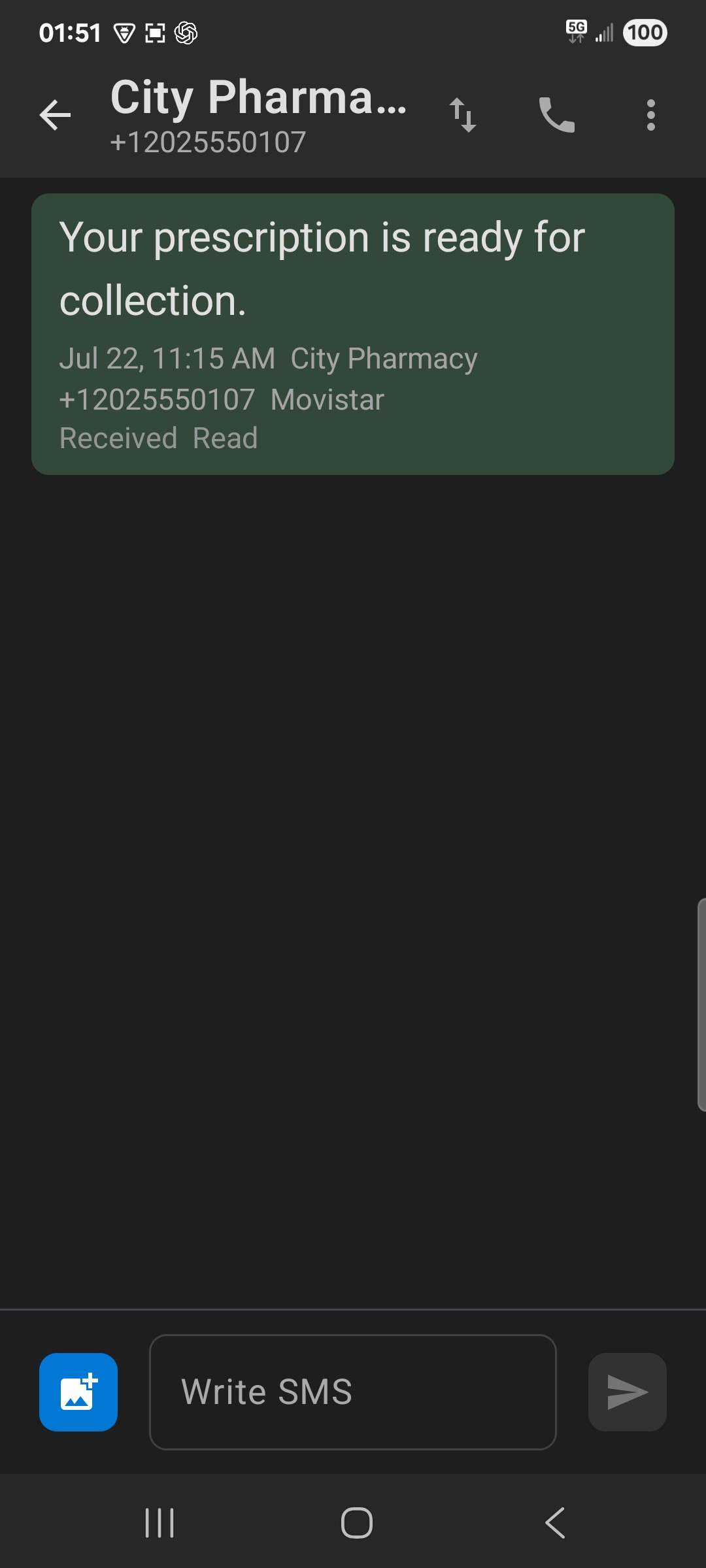
Use SMS and MMS with the numbers and conversations you already know. Unread counts and conversation controls help you see what needs attention.
Messages / TrustDialerSms
For people who want an SMS and MMS inbox that is easier to search, easier to read, and more deliberate about what stays protected.
Encrypted backup / A safer restore
Save a protected copy where you choose.
Look inside before making decisions.
See the outcome without changing data.
Bring back only the sections you want.
No required cloud account. Your messages stay yours.
Your messages. Your control.
TrustDialerSms works with the message store on your phone. It is an SMS and MMS app, not another chat network or an RCS replacement. Back up deliberately, inspect the file, and decide what comes back.
Read the privacy policyYour inbox uses Android’s local SMS and MMS provider. No required TrustDialer cloud account.
Set retention rules for all, read, or sent messages. Locked messages are protected from app cleanup.
Preview encrypted backups and simulate the outcome before writing messages back to the phone.
Practical detail
Permissions, cleanup, backups, and what happens when you change your mind. If something is still unclear, the contact page goes straight to a person.
Yes. Android lets only one app handle SMS at a time, so when you set TrustDialerSms as the default SMS app your existing messages move with it — they are still in the same phone message store, not copied anywhere else.
SMS permission to show, send, and receive messages; contacts permission to put names against numbers and suggest recipients; and notification permission for new-message alerts and quick replies. An app that handles SMS needs the first one to function at all.
Only what the rule you wrote covers. Each rule names a message type and an age, for example read messages after seven days. Messages you have locked are exempt from every rule, and you can preview a rule before it ever runs.
Your messages, the threads they belong to, and your lock and rule settings, written to a file you choose the location for and encrypted before it is written. Attachments are included only when you ask for them.
A restore is the one action that can overwrite what is on the phone now. Preview shows what the file actually holds, and simulate reports what would be added, replaced, or skipped, so you decide with the outcome in front of you.
Text size and line spacing are adjustable independently of the system font, which matters if you read long threads or share screenshots of a conversation.
Your messages stay in the Android message store, so another SMS app sees the same conversations. Keep any encrypted backup you want to retain — it is your file, in the location you picked.
A more thoughtful inbox
Start with the SMS features that matter to you. Keep your conversations, protect the important details, and make room for easier reading.